

JPG or photo to Word
JPG or photo to editable Word
Take the words on a photographed page into a document you can revise. Documni reconstructs the page content and layout, giving you a useful Word copy of a care card, letter, handout or other paper document.
Documni is free to start. Making pages editable is part of Pro. Beta opens 25 November 2026.
Open the page. Explore the editable file.
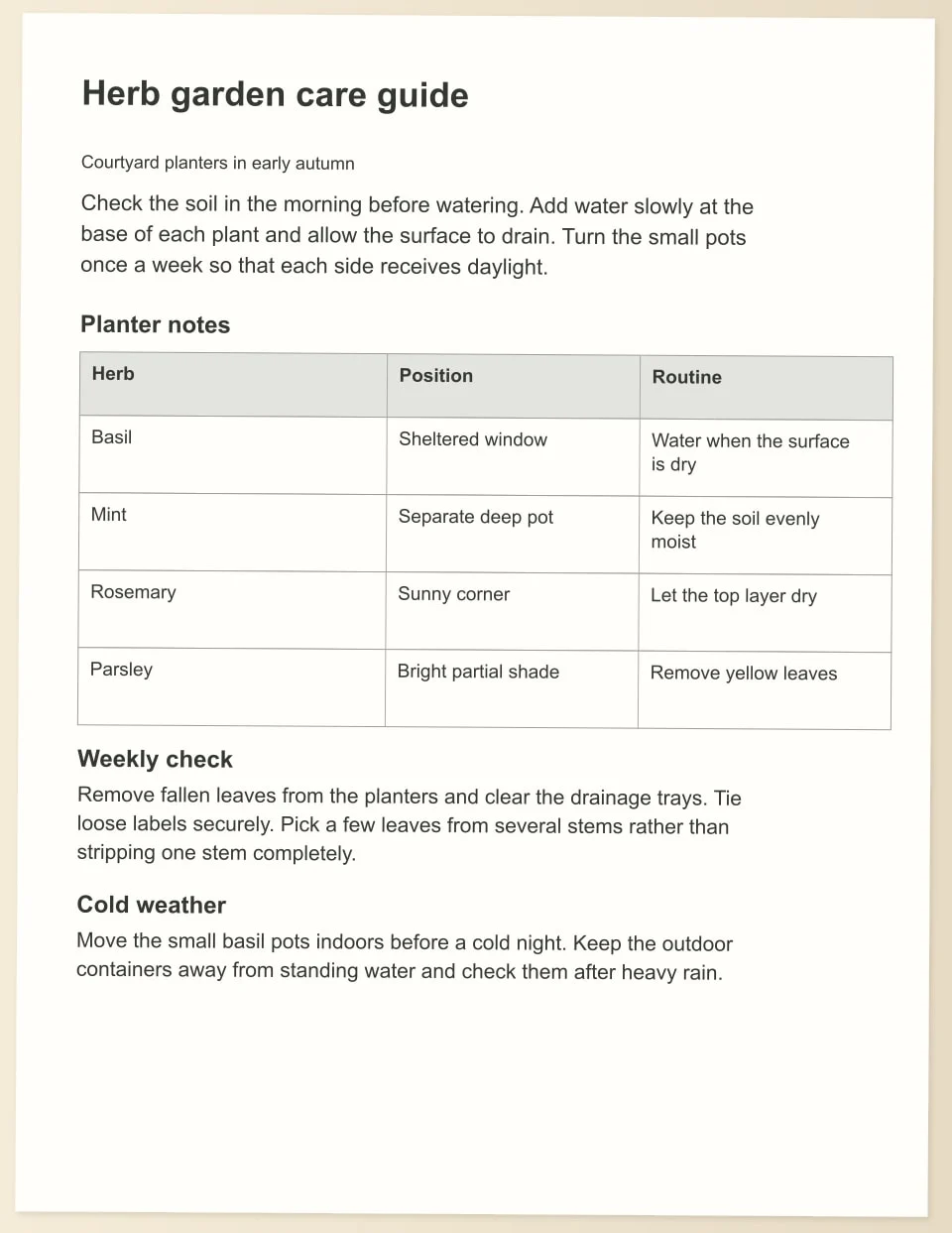
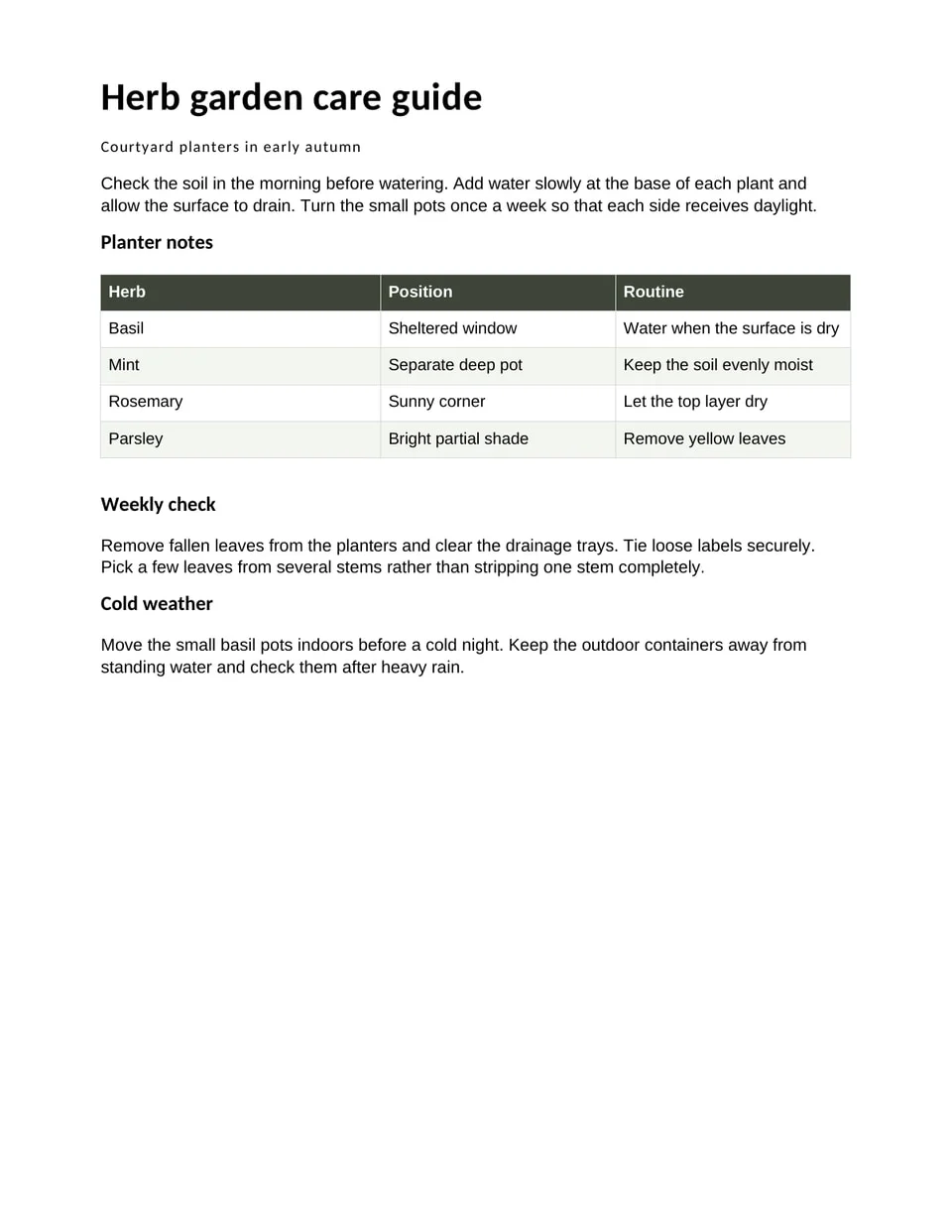
Explore an example herb garden care card as a photographed page and an editable Word file. Compare the headings and care instructions, then open the document to adjust wording or reorganise a section.
Download the sample to edit its text, formatting and content.
How it works
Capture or open the page photo
Photograph the whole page in even light or open an existing JPG or other page image. Check sharpness, the page edges and small print before beginning the reconstruction.
Make the content editable
Reconstruct the photo into document content. Review the reading order, headings, paragraphs and images, then compare important words and measurements with the original before changing the instructions.
Save a Word document
Keep the .dcmi working copy and export .docx. Open the Word file, inspect its structure and page breaks, and select the text to confirm that it can be revised.
What stays editable
- Body text and paragraph styles
- Headings and section order
- Tables and their cell contents
- Pictures and surrounding text
- Margins, spacing and document flow
Take a photograph that keeps the whole page
Place the page on a steady, contrasting surface and hold the camera square to it. Include the corners and leave a little space around the edges so the page can be straightened. Check the small print, not just the title, before putting the paper away. A second photograph can save a long period of reviewing blurred words later.
Use even light across the page. Move away from reflections on glossy paper and avoid a shadow from the phone or your hand. If the page is folded or curved, flatten it gently before photographing it. A sharp image gives document recognition a better starting point and makes your own comparison with the editable copy easier.
Turn page content into useful Word structure
A photographed care card includes relationships that matter: a plant name, a heading for each task and instructions that belong beneath it. Reconstructing those parts as headings and paragraphs lets you update the care advice, add a note or prepare a new version without retyping the entire card. Keep pictures separate from the surrounding text.
Consider how the document will grow. A short card may become a longer handout with extra sections. Use the Writing workspace to maintain a flowing document, with consistent paragraph styles and deliberate breaks. If the original arrangement is essential for a printed design, retain the .dcmi working file and prepare a fixed PDF alongside the Word copy.
Review the words that a photograph can obscure
Compare plant names, dates, measurements and punctuation with the source. A soft shadow can conceal a small unit; a fold can interrupt a word. Read the start and end of each line where the photograph is least clear. Check any notes at the bottom or beside an illustration, because a cropped margin can remove a whole instruction.
Keep uncertain wording available for review. Recognition should not turn an unclear phrase into a confident new instruction. When the source is difficult to read, take another photograph or consult the original paper. The aim is a document that carries the source meaning into an editable form, with intentional changes made after the reconstruction has been checked.
Prepare the Word file for another reader
Open the .docx export and select a paragraph, change a heading and inspect the placement of any images or tables. Check that text wraps naturally when a sentence becomes longer. Page margins, styles and table widths should support the document you are making, rather than relying on a line of spaces to hold everything in place.
Read the file at the size it will be shared or printed. A care card used outdoors may need larger type than a report read at a desk. Check line spacing and the separation between sections. Keep the source image with a recognisable name and save the editable working document so later revisions do not depend on finding the paper again.
Hard cases: shadows, curled pages and low light
A shadow across a page darkens part of a line, and the words in it are the first to need a second look. Retake the photo with light from the side you are not leaning over, and read the lines nearest the shadow against the page. A curled or folded page bends text near the spine, so check the first and last words of those lines.
Low light adds grain that can turn a full stop into a comma or a clean letter into a different one. Check small print, footnotes and numbers, and keep the photo beside the Word copy while you do. Text printed on glossy paper catches reflections; tilt the phone slightly and shoot again rather than correcting a washed-out line by guesswork.
A photo of a bound book or a page held in one hand usually includes fingers, a table edge or part of the next page. Crop to the page you want before you start, and check that nothing from the background was read as text. Pages with photographs or logos should keep those as pictures, which you can resize or replace.
Your questions
How do I turn a JPG into a Word document?
Open the page image in Documni, make its content fully editable and review the result against the photograph. Export a .docx copy for Word and keep the .dcmi working document. Check that the file contains selectable text and structured content, then inspect how it flows after a small edit.
Can I take a photo of a page with my phone?
Yes. Keep the page flat, include its edges and check the smallest text before moving on. Avoid glare and shadows, then use mobile capture as the start of the document workflow. You can continue the writing and review on a larger screen when that is more comfortable.
Will the Word copy include tables and images?
The page is reconstructed as document content, including the relationships between text, tables and pictures. Review each table heading and image crop against the source. In the exported Word document, check that table cells and pictures remain separate editable elements and that longer text wraps without covering nearby content.
What should I do if a photo is dark or blurred?
Retake it in better light when the original page is available. Straighten the page, keep the phone steady and inspect the result before leaving. Review unclear words and numbers carefully. A missing or unreadable part of the photograph cannot supply reliable wording simply because the surrounding sentence suggests what it might say.
Can I download a sample without uploading a photo?
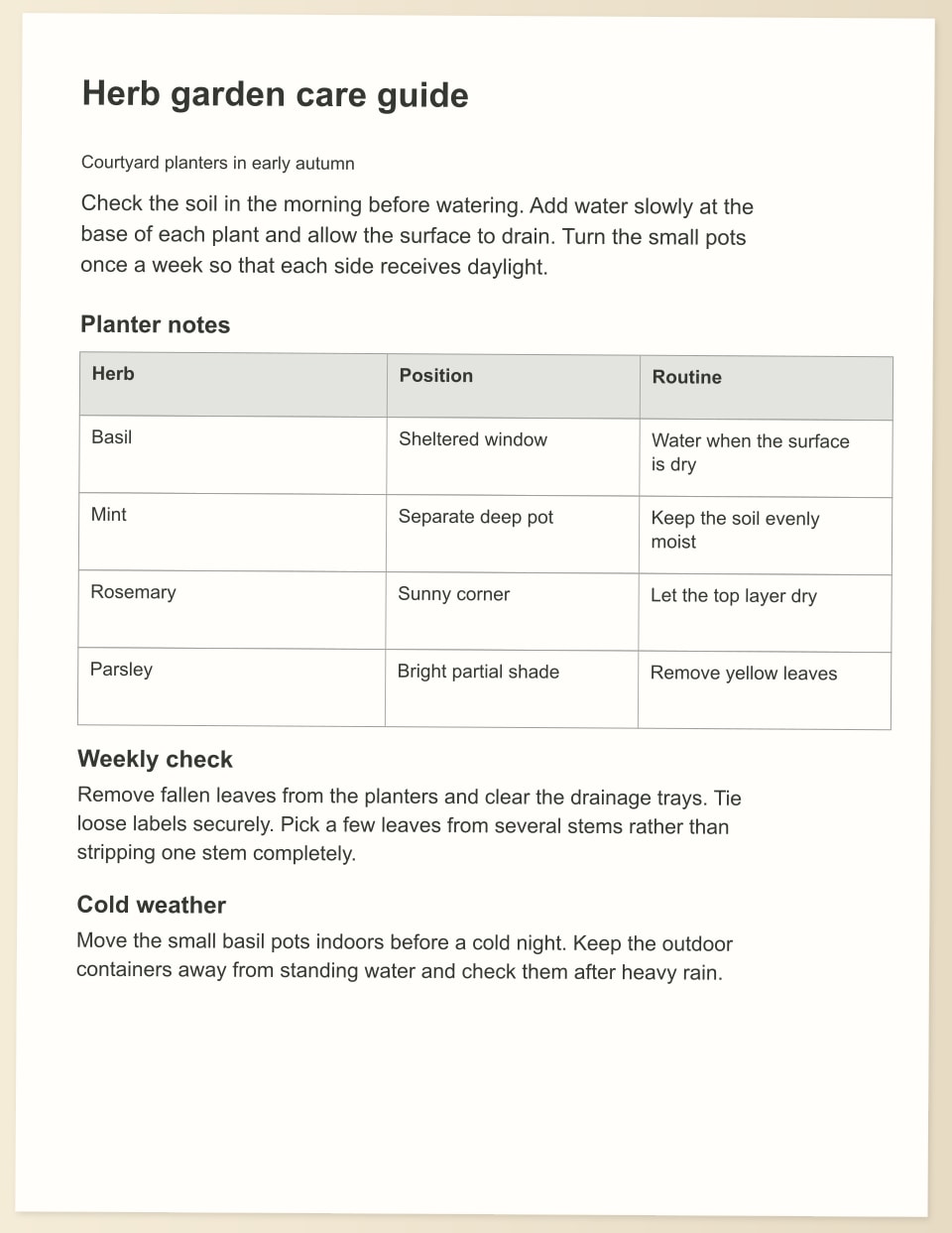
Yes. Download the example care-card photo and editable Word document. No personal document is needed to explore them. Keep the photo beside the Word file while checking the text, headings and the way the page responds to a revision.