Bring the page in
A scan, screenshot or photographed page can be the start of your next document.


Meet your new document app
Write a report, edit a PDF, build a spreadsheet or turn a scan into a document you can change. Open, edit and share your work without a different app for every document.
A free plan for everyday work. Pro when you need more.
Beta launches
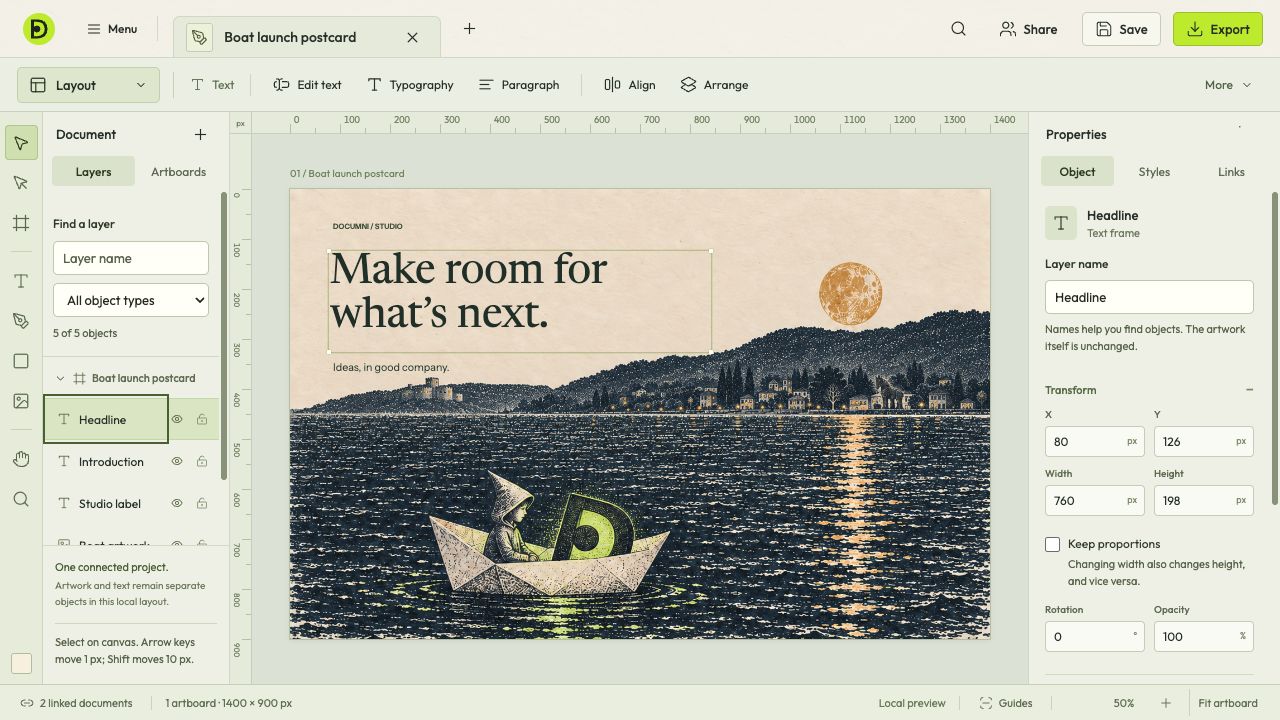
At your desk. On your phone. Back where you left off.
Mac · Windows · Web · iOS · Android
Inside Documni
See the tools for writing, PDFs, design, spreadsheets and screenplays. Choose a workspace to look inside.
Read, edit & organise
A PDF shouldn’t mean starting again. Work with the page in front of you, from a sentence that needs fixing to pages that need putting in order.
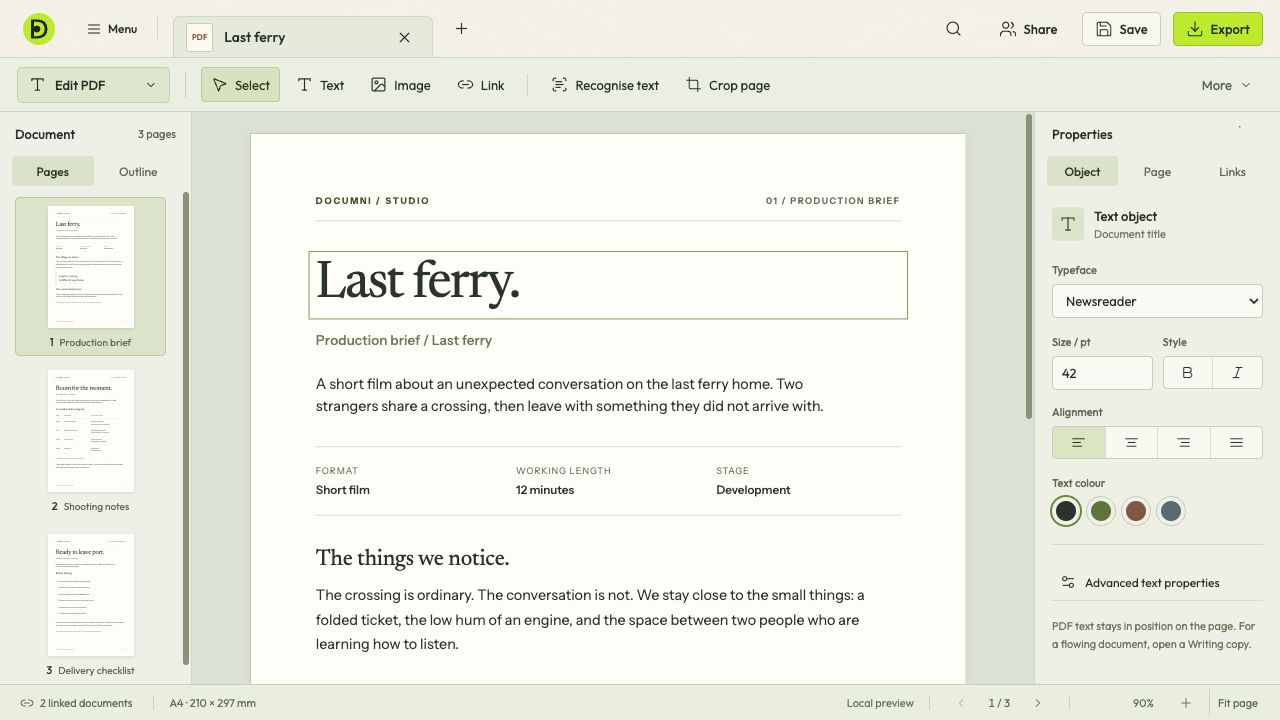
Select text on the page to change its words, typeface, size or alignment. The Properties panel keeps those controls beside the document.
Paper is a starting point
Change text, logos, images and table cells, even when all you have is a scan.
Documni rebuilds the content and layout of the page as an editable document. Update a poster, correct a report or reuse a design without starting again.
Explore document reconstructionA scan, screenshot or photographed page can be the start of your next document.
Recognise text, images, logos and tables, then rebuild their structure and placement on the page.
Check the reconstructed page against the original, correct anything it missed, then carry on editing.
Check names, dates and figures against the original. Recognition can make mistakes, especially with unclear scans.
Your work goes with you
Sync your documents across your devices and work together in the same app.
Capture a page on your phone, work on it at your desk and keep your documents in sync. Free includes 100 MB of cloud storage; Pro includes 2 GB.
About mobile captureComments, suggestions and shared work belong beside the page. Business will bring team workflows and administration together.
Business coming soonKeep your documents as local files, use on-device recognition and choose what you share. Your work stays under your control.
About your Documni filesA file that keeps your work editable
The .dcmi format keeps the structure, images and editing information together. It’s designed for compact storage, using lossless packing and reusing identical assets.
Keep a working copy you can move, back up and open again. Export another format when you’re ready to share.
More about .dcmiFree & Pro
Start with Free for everyday documents. Choose Pro for advanced editing, recognition and reconstruction.
Free
£0 / always
Read a document, fill a form or get a PDF ready to send.
Pro
£7.99 / month
or £79.99 billed yearly
All available tools in one personal subscription.
Both plans sync your cloud documents between iOS, Android, Mac, Windows and the web. Cloud storage is separate from local document storage. Reaching the cloud limit won’t lock your local documents or tools.
For students and teachers
20% off Pro while eligible, with ongoing support. Choose the education discount or the early offer; they don’t combine.
For organisations
Business is coming soon, with shared workflows and administration. Pricing will follow.
Beta opens 25 November 2026
An invitation, with no commitment.
Join the list for the beta release email and an invitation to try Documni. Testing is your choice. Staying on the free tier is too.
Free to join. No payment details. No obligation to buy.
Beta testers get full access to the beta app. We’ll share access details with the invitation.
Joining the beta list is free. You can use the free tier and never buy Pro. The first 1,000 purchases of Pro by eligible early-list members qualify for £4.99 a month for the first 12 paid months, or £49.99 billed annually for the first paid year. Joining the list does not reserve one of those purchases. The offer is available to all categories of early member and cannot be combined with any other discount. Student and teacher support continues separately while eligible. The first-year price begins when you activate a paid Pro subscription, not when you join the list or test the beta. Standard Pro pricing is currently £7.99 a month or £79.99 billed annually; renewal pricing and full plan details will be confirmed before you buy. Any later offer may have different terms. If you joined under an earlier offer, we’ll confirm your available terms before you buy.
Already on the list? Your existing signup stays in place. Contact us to change your email preferences.
We save your email, category, consent choices and offer terms. Marketing emails are optional. You can withdraw consent or ask us to delete your details at any time. Website privacy.
Our beta launches on . Join for the release email and an invitation to try it. You can take part, wait, or stay with Free. Beta testers get full access, with the details in their invitation.
More about the beta