
Read & review
Read your documents without switching apps.
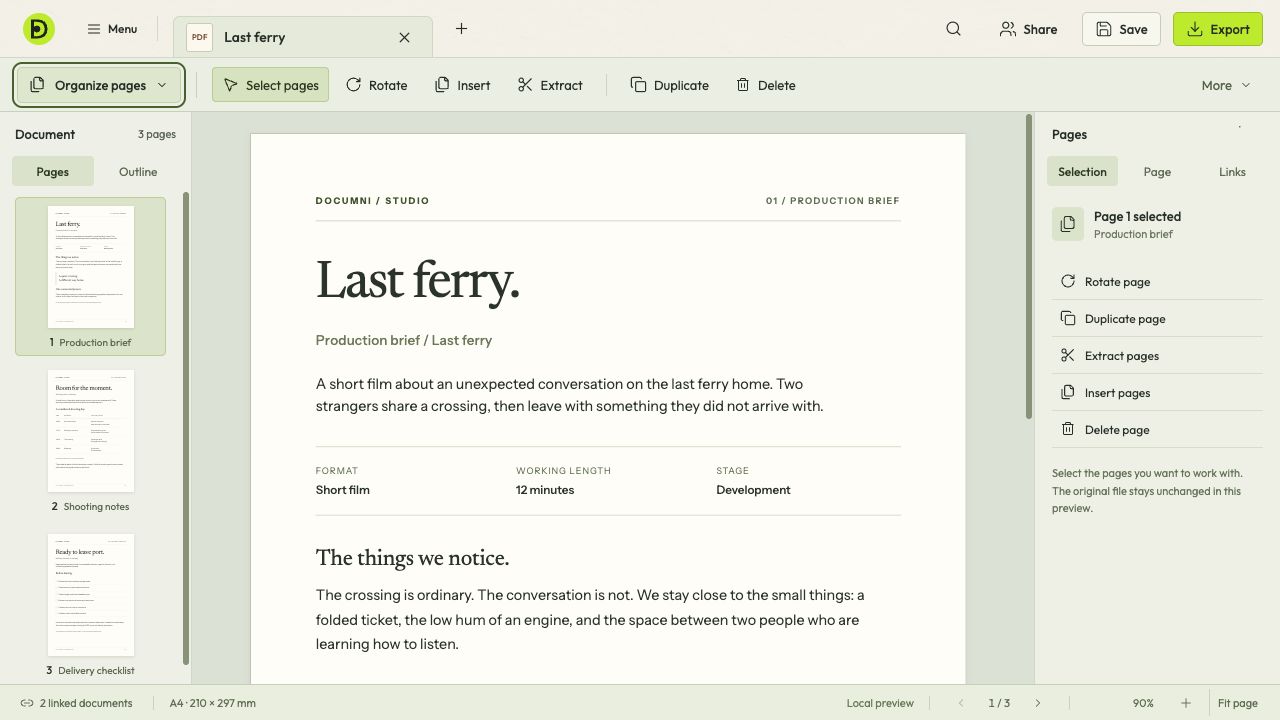
Keep the document in view while you read and review it. When something needs changing, the editing tools are already there.
Find your way through the document.
Move between pages with the document still in view. A page list helps you see what comes before and after, whether you’re checking a short brief or working through a longer file.
Change something when you need to
Reading should not change your work. When you spot a correction, choose the editing tools and make it on the page.
Bring scanned pages along
A scan can have searchable text as well as its original image. Recognition helps you find and copy the words; reconstruction is the next step when you want to edit their appearance on the page.
How scans become editable