Writing
Let the words lead.
For a letter, report or manuscript, start in Writing. Paragraph styles keep headings and body text consistent, while an outline helps you move through the document.
See the Writing workspace

Create and edit
Write something new or pick up a document you already have. Documni puts the tools for words, pictures and pages in one app.
A wrong date in a PDF. A picture that needs replacing. A paragraph you want to rewrite. Work with the text and objects on the page, with their properties beside them.
Edit text from a scan, too. Documni recognises text, images and tables and rebuilds the page’s structure, so you can change its contents without recreating the document.
How a scan becomes editable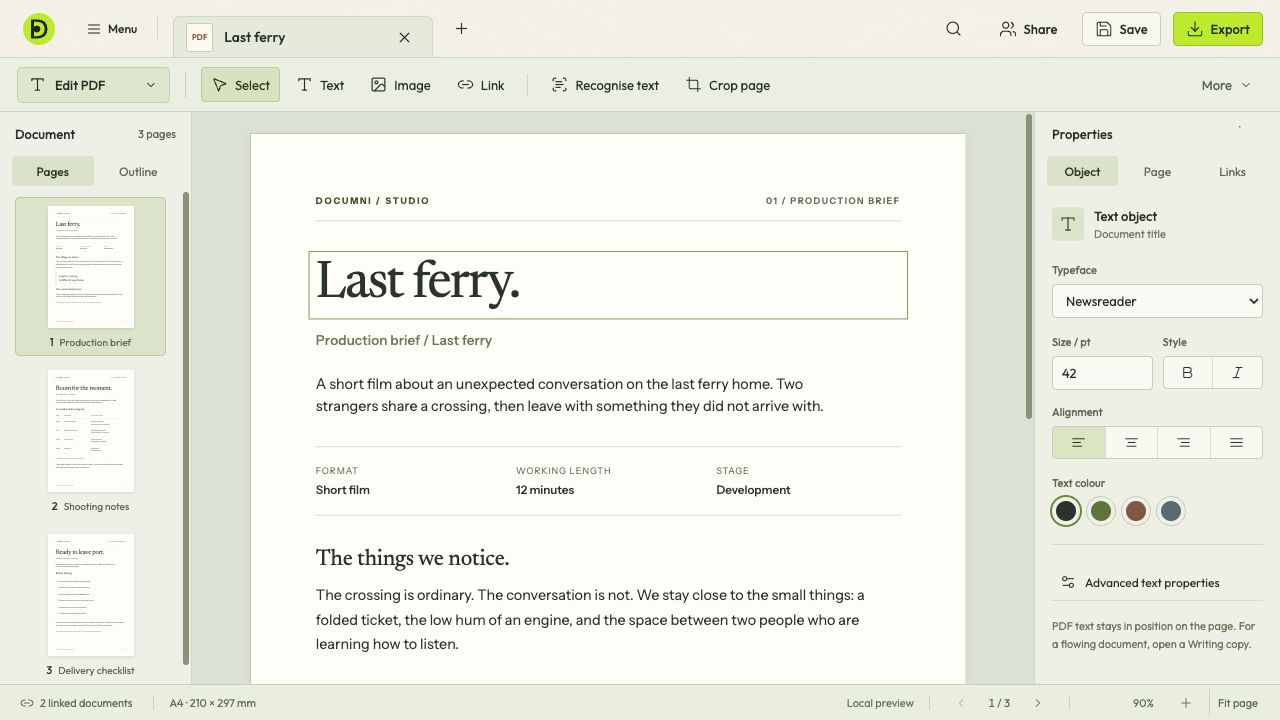
Writing
For a letter, report or manuscript, start in Writing. Paragraph styles keep headings and body text consistent, while an outline helps you move through the document.
See the Writing workspaceDesign
For a poster, a carefully arranged page or a presentation, start in Design. Place text frames, images and shapes on the canvas and work with them as separate objects.
See Design and SlidesKeep an editable original
Save the working document as .dcmi to keep its structure and assets together. Export a separate copy in the format you need for sharing, then check that copy before sending it.