Keep editing
Save your work as .dcmi.
A Documni file keeps the structure, editable content and assets together. Save it as your working copy so the next revision can start where you left off.
Meet the Documni file

Prepare & share
Put the pages in order, check the details and choose a copy that suits the person receiving it. Keep your editable work for the next change.
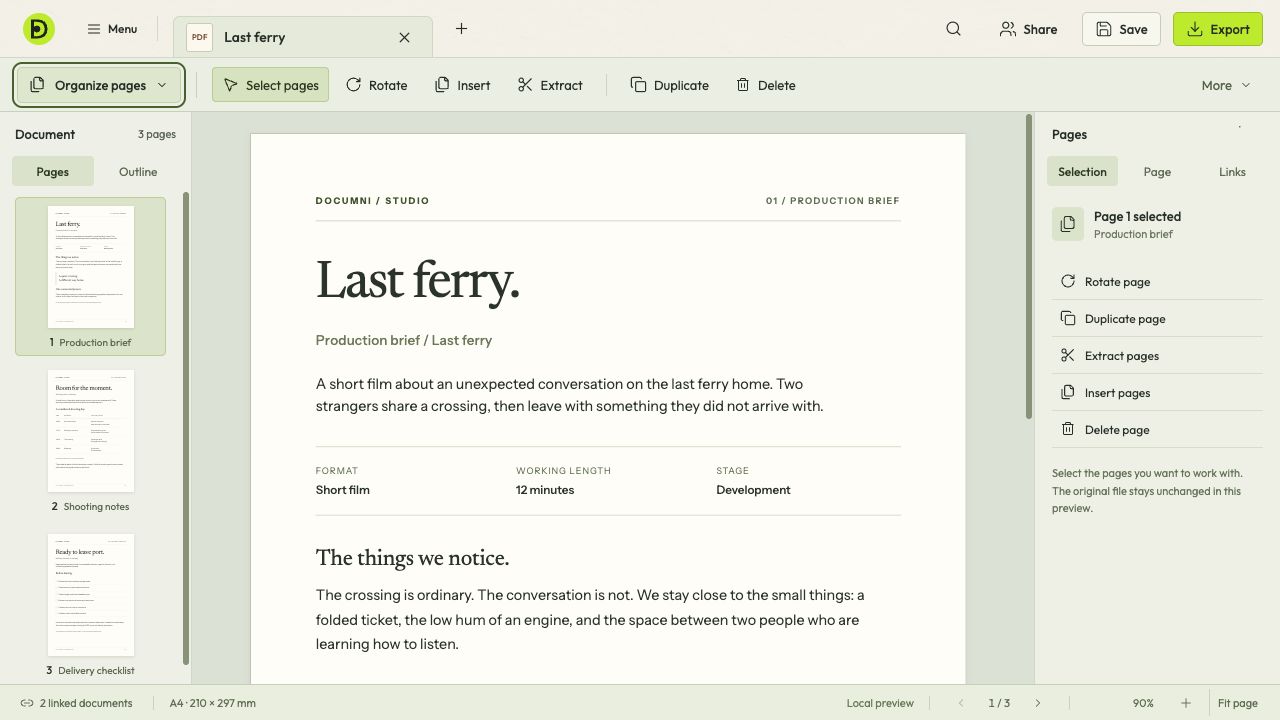
Bring the pages you need together, remove the ones you don’t and check their order. Page tools sit beside the document, so the front cover, main text and attachments stay in view.
Check names, dates, page breaks and the last page. Open the exported file before sending it, especially when you have changed formats.
Keep editing
A Documni file keeps the structure, editable content and assets together. Save it as your working copy so the next revision can start where you left off.
Meet the Documni fileShare a copy
A PDF for someone to read, a Word document for further writing or an image of a finished page. Different formats preserve different things; keep your .dcmi file when you need the full editable document.